Insight
How to Keep Your Environmental Monitoring History When Moving to a New System
When a museum or heritage site moves to a new environmental monitoring system, your archive of temperature, humidity and light readings does not have to be left behind. Eltek’s historical data import service brings that archive into the Eltek Bridge platform, so your historical and live data sit in one place.
The Eltek Engineering Team6 min read
The record
Why your monitoring history matters beyond the readings themselves
Environmental monitoring data from a museum or heritage site is not simply operational. It is a record of decisions made: why a gallery was maintained at a particular condition, how a collection responded to those conditions over time, what baseline your lending institutions have accepted. Those records have practical uses long after the individual readings were taken.
When a site moves to a new monitoring system, that archive is at risk. Legacy databases are often tied to software no longer in active development, and records become harder to access as those systems age. Without an active migration plan, years of measurements can become effectively unreachable.
Moving to Eltek does not mean starting your environmental record from zero. The historical data import service is designed for museums and heritage organisations with an existing archive they need to bring forward, so the evidence base your team relies on is not cut off by a change of platform.
The process
What Eltek’s historical data import service includes
The service is formally named Environmental Data Transition & Validation. It runs from extraction of your existing data through to a written report on the import.
How Eltek imports your historical monitoring data
- Data extraction and import support from the legacy system
- Transmitter and sensor mapping
- Historical timestamp and measurement mapping
- Import via the Eltek Bridge
- Validation and source-data spot checks
- Retention of original source files
- An Eltek Data Transition & Validation Report
The process begins with a review of the source system. Eltek’s team confirms that your data is in a supported export format and that the archive is reasonably complete. Any requirements outside the standard service, such as data cleansing or reconstruction of corrupted records, are scoped and quoted separately.
One platform
Accessing past and present readings through Darca Command
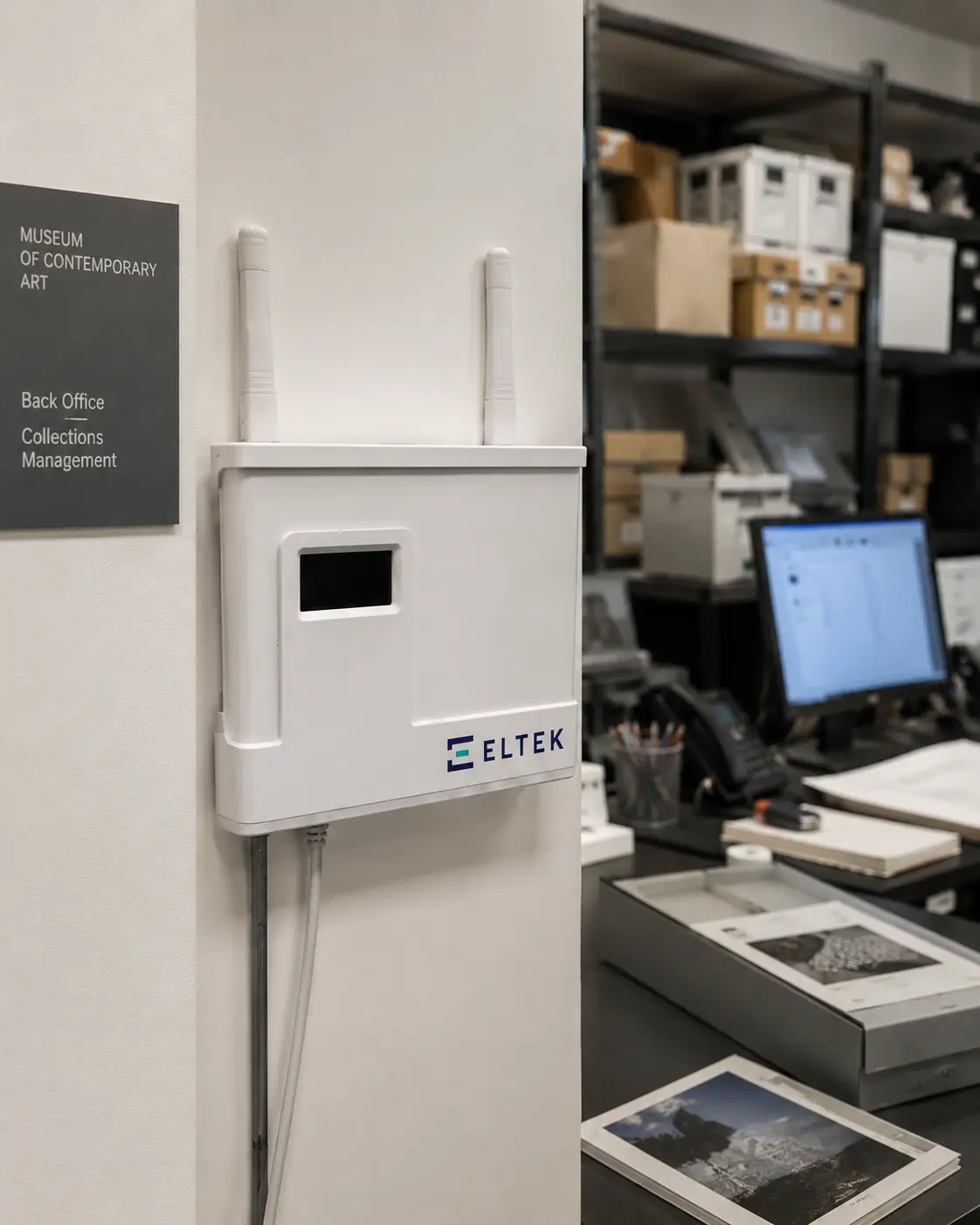
Once your data is imported, it is available through Darca Command, Eltek’s cloud monitoring platform. Darca Command is the single place your team monitors conditions and accesses the documentation your organisation needs for audits and reviews.
Through Darca Command, you can analyse how conditions in a gallery or archive room have changed over time, compare readings across periods, and prepare records you can produce when a lending institution or review body requests them. Your historical readings sit alongside your live data in the same interface.
The platform provides live dashboards across every site and zone, real-time alarms via SMS, email and on-screen notifications, and compliance-ready reporting with full audit trails.
Common questions
What museums and heritage teams ask about data import
Does the service work with any legacy environmental monitoring system?
The service is designed for organisations moving from a supported legacy environmental monitoring system. During the project assessment, Eltek’s team confirms whether your existing system and data format are supported.
What does the Eltek Data Transition & Validation Report contain?
The Eltek Data Transition & Validation Report is the final deliverable of the service. It documents the import process and the validation and spot checks carried out on the source data. Your original source files are retained as part of the service.
Time-limited
Historical Data Import Offer
A 25% discount on Environmental Data Transition & Validation, for museums and heritage organisations only, when you place a purchase order for a new Eltek Bridge system by 31 December 2026.
Find out how to claimOffer terms
- The service assumes data is in a supported export format and is reasonably complete.
- Data cleansing, reconstruction of corrupted archives, bespoke integrations and unusual source formats are quoted separately.
- Eligibility, scope and price are confirmed after Eltek’s team reviews the source system.
When you send your message, please mention the Historical Data Import Offer so our team can respond with the right information straight away.
Discuss your data import requirements
To find out whether your existing system is suitable for historical data import and what the process would involve for your site, please get in touch via our contact form.
Contact usGet more insights like this
Get monitoring insights in your inbox
Practical guidance on compliance and environmental monitoring: mapping, audit trails, probe selection and multi-site reliability. Occasional, useful, no noise.
Unsubscribe any time. Your details are never shared.